
Waller VINE Coverage Explained
The Waller County Sheriff’s Jail FAQ directly refers users to VINELink for custody search and status-change registration. That local link matters because it establishes VINELink as an official county notification route, not merely a general service that might cover Waller County.
For a person in the Texas Department of Criminal Justice system, use TDCJ’s Integrated Victim Services System, or IVSS. It covers state prison, parole, and mandatory-supervision information. Neither county VINELink nor TDCJ IVSS is the correct source for federal Bureau of Prisons custody, USMS placement, or ICE detention. A person who vanishes from the county roster may have transferred into one of those systems.
Search One Waller Inmate
VINELink works best as a specific-person check. Before opening it, copy the exact spelling and inmate ID from the official Waller current roster, if the person is still listed. Also note the booking date and charge information so that two people with similar names are not merged.
- Open VINELink from the sheriff’s Jail FAQ and choose the Texas service.
- Search with the available name or identifier fields. Use the most complete identifying data you lawfully have.
- Compare the result with the Waller inmate ID, booking details, age or other non-sensitive descriptors. Do not rely on the name alone.
- Open the matching person’s record and read the agency, facility, custody status, and event label together.
- If the person is no longer found, check whether the county record indicates a transfer. Request the Waller booking-out, release, or transfer record rather than declaring release from a missing result.
- If the person entered TDCJ, start a new search and registration in IVSS using the SID or eight-digit current or former TDCJ number.
The broader Waller County release search covers court records and records requests when a live lookup ends before the question is resolved.
What Waller VINE Shows
Exact Waller event wording, update cadence, and post-release retention were not published in the sources reviewed. Do not promise that every past release will remain searchable. Read the interface as a current or event-driven tool and preserve the agency and identifier with any alert.
| Field or signal | What it can establish | What it cannot establish alone |
|---|---|---|
| Name and identifier | Which agency record is being followed | A match based only on a shared name |
| Custody status | The participating agency’s reported state | Custody in every county, state, federal, or immigration system |
| Facility or agency | The reporting custodian or location field | That a later move is community release |
| Status-change alert | That the supplied custody data changed | The exact legal reason, destination, or error-free timing |
| IVSS Expected Release Date | TDCJ’s current planning date | Actual release or a guaranteed date |
| IVSS Release Date | A recorded TDCJ release event | The date of a separate Waller county-only custody episode |
County Transfer Needs New Alerts
Waller’s two-layer notification path is easy to miss. The sheriff directs county users to VINELink, while Texas routes state-custody and parole notifications through IVSS. A transfer from Waller County Jail to TDCJ can therefore require a new IVSS search and subscription. The county registration should not be assumed to follow the person through the state system.
First obtain the Waller transfer notation or court judgment that identifies TDCJ as the next custodian. Then find the person in TDCJ using the SID or TDCJ number. Register in IVSS for the state record. If the Waller entry merely disappears, do not guess which system received the person. County release or transfer documentation is the bridge between the two records.
The official Waller Jail FAQ is the source for the local VINELink referral.
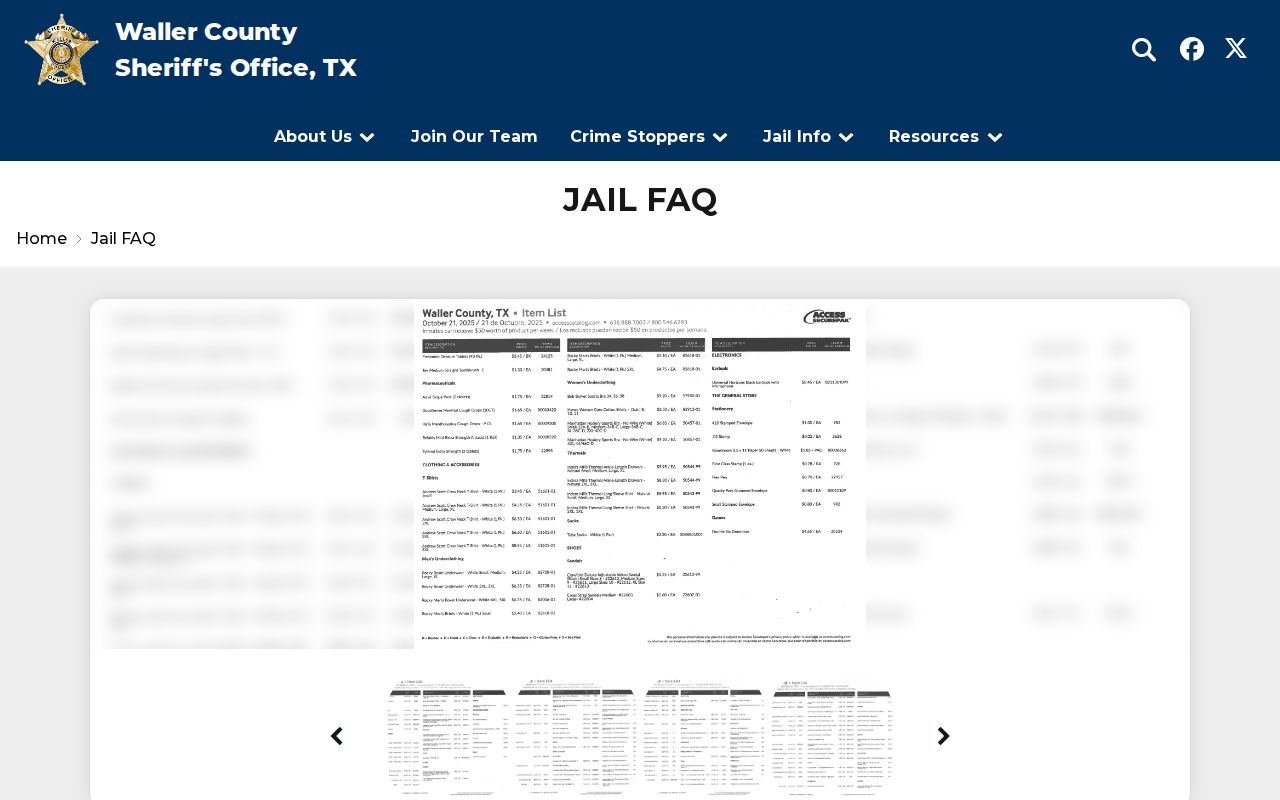
That local referral supports county notifications, while the later TDCJ record controls a state-custody episode.
Search Waller Cases in IVSS
The official IVSS guide allows a one-person search by name, SID, or eight-digit current or former TDCJ number. Supported partial-name searches can use an asterisk. Open the person’s name or select View Details, then compare identifying information before relying on the record.
- Go to the IVSS portal and choose the person-search route.
- Enter the TDCJ number or SID when available. If searching by name, match more than the name.
- Open the name or View Details and confirm the official identifiers.
- Review Expected Release Date as a changing planning field. If an actual Release Date is present, treat it as the TDCJ event only.
- Read parole review and supervision information by its label. A review or decision date is not an actual release date.
- Select Subscribe at the bottom of the correct person’s detail record if notifications are needed.
The IVSS person-search interface demonstrates the state record path.
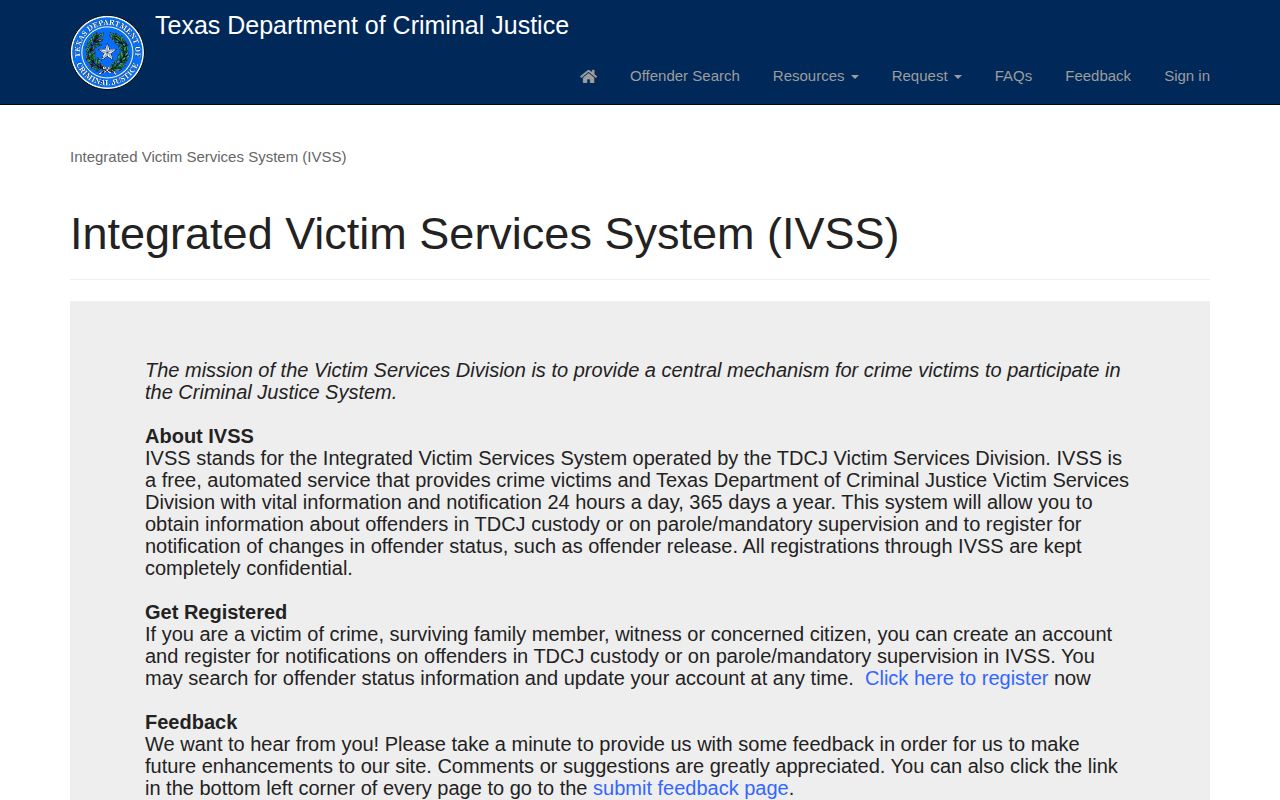
The Expected Release Date and actual Release Date must remain distinct when interpreting this screen.
Register Waller Release Notifications
IVSS registration includes more than entering a phone number. Complete each account and preference step so the service can deliver and confirm the chosen event types.
- Create an IVSS portal account or sign in, complete the profile, and verify the email address.
- Create a four-digit PIN. This PIN confirms automated telephone notices; it is not the person’s TDCJ number.
- Add the desired email, postal, telephone, and text contact methods.
- Search for the person, open the matched detail record, and choose Subscribe or Register.
- Answer the relationship and case questions presented by the portal.
- Select the event categories and delivery methods. Categories can include Emergency, Urgent or imminent release, Priority, Routine, Death, and Execution.
- Save Preferences, read the confirmation screen and email, then verify the person appears in My Registrations.
IVSS supports email, letter, text, and phone. Email may contain more detail than SMS. Automated calls continue until the four-digit PIN confirms receipt, the user stops the notice, or Victim Services intervenes. Phone calls are not made from 10:00 p.m. to 7:00 a.m. Central, although processing continues and email or text can arrive at any hour. Registration information is confidential. Keep contact methods current and protect the account credentials.
Confirm a Waller Release Alert
When a county alert arrives, save the person’s identifier, agency, event text, and notice time. Then request or confirm the Waller sheriff’s actual booking-out, release, or transfer event. A notice may say custody changed without explaining whether the person left for the community, another jail, TDCJ, USMS, or immigration custody.
For a state alert, return to TDCJ and IVSS. Expected Release Date remains a projection. An actual Release Date is stronger evidence of the TDCJ event, but a detainer or transfer can still affect where the person went. For supervision after state release, use the Conroe District Parole Office assigned to Waller County.
Waller VINE System Limits
VINELink does not create a comprehensive Waller release archive. The sheriff’s public roster is for current custody and has no verified Released filter. The county does not publish the exact VINELink cadence or how long a released result remains. Absence from either interface is therefore not affirmative proof of community release.
Federal and immigration cases require separate tools. The Bureau of Prisons locator covers federal-sentence custody and historical released results. USMS records may be needed for former federal pretrial placement. ICE uses its own Online Detainee Locator, which includes current detainees and some people released from ICE custody within the prior 60 days. None of those records substitutes for the Waller sheriff’s custody log.
Use notification tools for what they do well: following an identified record and signaling a reported change. Use agency records to explain the event. That division preserves the difference between an alert, a projected date, a transfer, and an actual release.
Manage Waller Release Alerts
A reliable registration starts with stable identifiers. Save the Waller inmate ID and booking date while the county roster still displays them. If a court judgment later sends the person to TDCJ, record the SID or eight-digit TDCJ number from the state result. Those identifiers help locate the same person after spelling changes, aliases, or a transfer between systems.
Review the registration after each custody change. County VINELink and state IVSS are separate layers, so a county subscription should not be assumed to migrate into IVSS. In the state portal, confirm that the person appears under My Registrations, that selected event categories remain active, and that the email and telephone methods are current. The four-digit PIN confirms receipt of automated calls and should not be confused with an offender number.
Delivery methods also behave differently. IVSS email may contain more event detail than a text message. Automated telephone calls pause during the published overnight quiet period, while email and SMS processing may continue. A notice arriving through one channel before another is therefore not proof that either record is wrong. Read the confirmation screen and preserve the event label.
After any alert, verify with the event-owning agency. For Waller jail custody, obtain the sheriff release or transfer record. For state custody, return to TDCJ and IVSS and distinguish Expected Release Date from actual Release Date. If the receiving notation points to federal or immigration custody, move to that system rather than repeatedly searching VINELink. Keeping identifiers, subscriptions, and agency scopes aligned makes the alert useful without overstating what it proves.